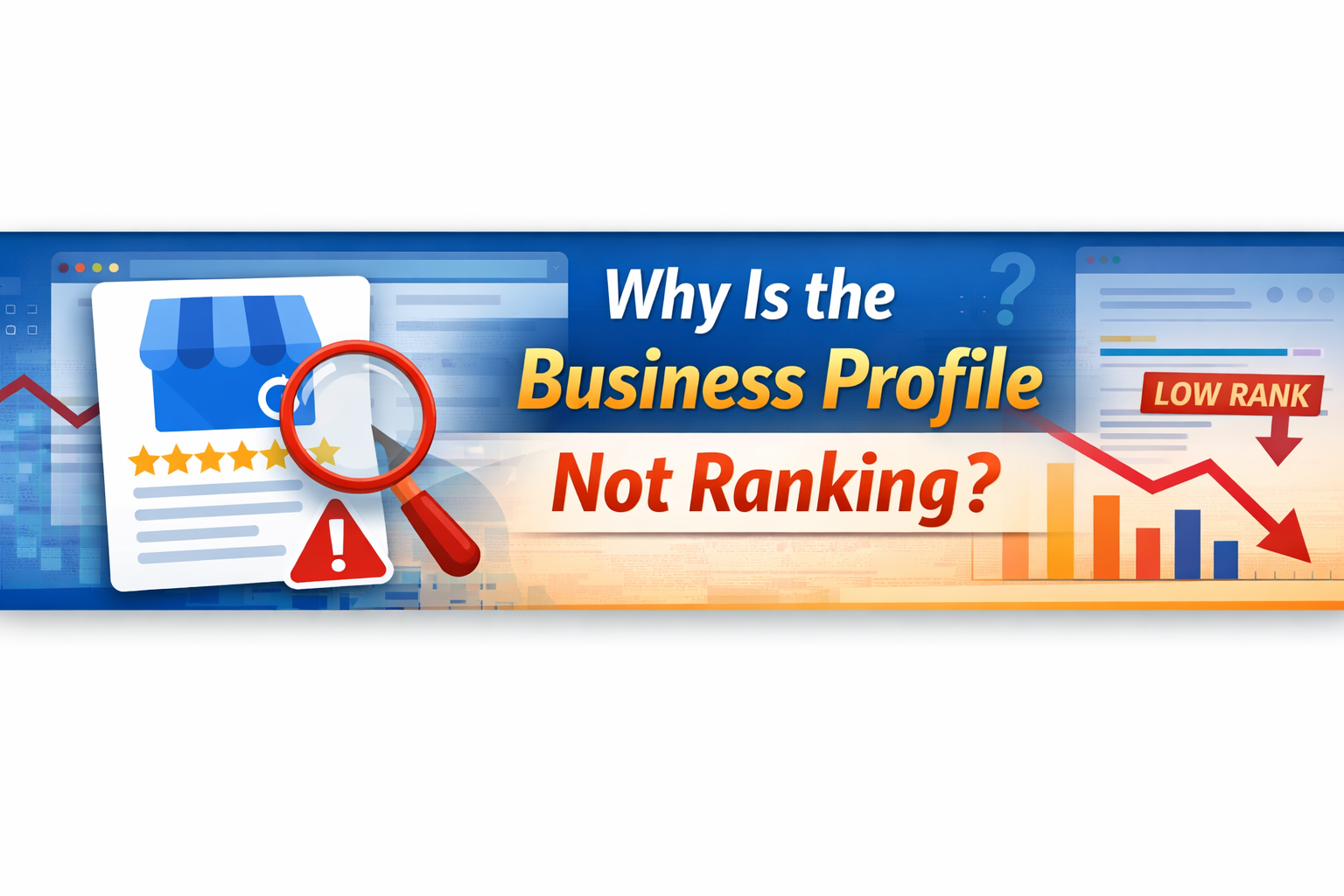
Why Your Google Business Profile Is Not Ranking (And How to Fix It)
You set up your Google Business Profile. You filled in your business name, address, phone number, and maybe even added some photos. And then you waited.
But your business still isn't showing up in Google Maps or the local search results. Competitors who you know provide a worse service are appearing above you. It's frustrating, and honestly, it happens to a lot of businesses.
The good news is — this is usually fixable. In most cases, a Google Business Profile (GBP) fails to rank because of specific, addressable issues. Not bad luck. Not unfair algorithms. Real, practical problems that have real solutions.
In this guide, we're going to walk through the most common reasons your Google Business Profile is not ranking and explain clearly what you need to do about each one.
First, Let's Understand How Google Decides Who Ranks
Before jumping into fixes, it helps to understand what Google actually looks at when ranking local businesses.
Google uses three core factors to determine local rankings:
Relevance — How closely your profile matches what the user is searching for.
Distance — How far your business is from the searcher's location.
Prominence — How well-known and trusted your business appears online.
Most GBP ranking problems come down to issues with one or more of these three factors. Keep that in mind as we go through each reason below.
Reason 1: Your Profile Hasn't Been Verified
This is the most basic but surprisingly common issue. If your Google Business Profile is not verified, it won't rank properly — sometimes it won't appear at all.
Google requires verification to confirm that the business is real and that the person managing the profile actually represents that business. Until that verification is completed, Google treats your listing with very limited trust.
How to Check
Log in to your Google Business Profile account and look for a verification status. If it says 'Pending' or prompts you to verify, that's your first priority.
How to Fix It
Google offers several verification methods depending on your business type — postcard by mail, phone call, email, or video verification. Choose the method available to you and complete it as soon as possible.
If you've already started the verification process but are stuck, read our detailed guide on verifying your Google Business Profile by phone number — it walks through the process step by step and covers what to do if things don't go smoothly.
Reason 2: Your Profile Information Is Incomplete
A half-filled profile sends a weak signal to Google. If you've only filled in the basic name and address, you're leaving a lot of ranking potential on the table.
Google rewards profiles that are complete because they provide a better experience to users. The more useful information you've provided, the more Google can match your listing to relevant searches.
What You Need to Complete
Business category — This is critical. Your primary category tells Google what your business does. Choose it carefully.
Business description — Write a clear, natural description that includes your services and location.
Opening hours — Keep these accurate and updated, including holiday hours.
Website link — Connect your GBP to your business website.
Phone number — Make sure it matches what's on your website.
Photos — Add real photos of your business, team, and work.
Services or products — List what you offer, with descriptions where possible.
Spend time on each section. Think of your GBP like a mini-website. The more useful it is, the better it performs.
Reason 3: You've Chosen the Wrong Business Category
Your business category is one of the most important ranking signals in your entire profile — and it's one of the most commonly misunderstood.
Many business owners choose a category that sounds right but isn't the most specific or most searched option. For example, a plumber might choose 'Home Services' when they should choose 'Plumber.' A marketing consultant might choose 'Business Service' when 'Marketing Consultant' is the right option.
How to Get It Right
Search for your direct competitors on Google Maps and see which categories they're using. Then look at what comes up when potential customers search for businesses like yours.
You can also add secondary categories. These allow you to show up in more searches without diluting your primary category signal.
Reason 4: You Have Very Few or No Customer Reviews
Reviews are one of the clearest signals of prominence to Google. A business with 50 genuine reviews will almost always outrank a business with 3 reviews, assuming other factors are equal.
But it's not just about quantity. Google also looks at:
Recency — How recently reviews were left. An old batch of reviews from two years ago counts for less than a steady flow of fresh ones.
Rating — Obviously, a higher average rating helps.
Response rate — Whether you respond to reviews, both positive and negative.
Review content — Whether reviews mention your services or location naturally.
How to Get More Reviews
The simplest way is to ask. After completing a job or providing a service, follow up with the customer and ask them to leave a review on your Google profile. Most happy customers are willing to do this — they just need to be prompted.
You can also add a direct link to your Google review page in your email signature or on your website. Make it as easy as possible for customers to leave feedback.
And always respond to reviews. Even a short, professional response shows Google — and potential customers — that your business is active and engaged.
Reason 5: Your NAP Information Is Inconsistent
NAP stands for Name, Address, and Phone Number. It seems simple, but inconsistency in how this information appears across the web is a common and often overlooked cause of ranking problems.
If your business is listed as 'Code Web Creation Ltd' on your website, '"Code Web Creation' on Google, and 'CWC Digital' on another directory, Google sees three different businesses. That inconsistency damages trust.
What to Check
Does the business name match exactly across all platforms?
Does the address format match (road vs. rd, floor numbers, suite numbers)?
Is the phone number the same everywhere?
Does your GBP match what's on your website's contact page?
Go through any major directories where your business is listed — Yelp, Apple Maps, Bing Places, Facebook, industry directories — and make sure everything matches.
Reason 6: Your Profile Has Been Suspended or Flagged
In some cases, a Google Business Profile stops ranking because it's been suspended. This can happen for several reasons — violating Google's guidelines, suspicious activity, incorrect information, or even a false report from a competitor.
A suspended profile will either disappear from search entirely or display a 'suspended' notice in your account.
What to Do
If your profile has been suspended, first review Google's Business Profile guidelines to understand what might have triggered it. Common causes include:
Using keywords in your business name (your GBP name should match your real-world business name)
Listing a service area business at a home address
Setting up duplicate listings
Listing hours or services that Google deems inaccurate
Once you've identified the issue, correct it and then submit a reinstatement request through Google's Business Profile support. Be honest and clear in your explanation.
Reason 7: You're Too Far from the Searcher's Location
Distance is one of Google's core local ranking factors, and unfortunately, it's not something you can directly control. If a customer is searching from a location that is far from your registered business address, you may not appear in their results — even if your profile is excellent.
This is particularly common for businesses serving a wide area. A roofing company based in one part of a city might struggle to rank in searches coming from the other side.
What You Can Do
Set a service area — If your business travels to customers, define your service area in your GBP rather than (or in addition to) a fixed address. This helps Google understand your geographic reach.
Build location-relevant content — If you have a website connected to your GBP, create content that references the areas you serve. This strengthens the geographic relevance signal.
Get reviews from customers in target areas — Reviews that mention specific locations naturally help broaden your geographic relevance.
Reason 8: Your Website Isn't Supporting Your GBP
Many business owners treat their website and Google Business Profile as separate things. They're not. Google connects them — and the quality and relevance of your website directly impacts how well your GBP performs.
A weak website — one that's slow, poorly structured, or thin on content — will hold back your local rankings, even if your GBP looks great.
What Helps
Make sure your website mentions your location clearly, ideally in the title tags, headers, and body content of key pages.
Ensure your website loads quickly on mobile devices.
Have a dedicated contact page with your full NAP details.
Link back to your GBP from your website where appropriate.
If your website needs work, it's worth addressing. A professionally built, SEO-optimised website is one of the most effective investments a local business can make for long-term visibility.
Reason 9: You're Not Posting or Updating Your Profile
Google rewards activity. A profile that hasn't been updated in months looks stale — to Google, and to customers.
Google Posts allow you to share updates, offers, events, and news directly on your listing. These posts appear in your GBP in search results and signal to Google that your business is active.
What to Do
Post at least once every two weeks.
Share promotions, new services, or useful tips relevant to your audience.
Update your photos regularly — add new ones rather than relying on the same images.
Keep your business hours accurate, especially around holidays.
Consistency here is more important than frequency. A slow but steady cadence of activity beats bursts of posting followed by months of silence.
Reason 10: Strong Local Competition
Sometimes the reason your profile isn't ranking at the top isn't that you're doing something wrong — it's that your competitors are doing something better.
Local search in competitive industries can be genuinely difficult. If your competitors have hundreds of reviews, active profiles, strong websites, and years of local presence, outranking them takes time and consistent effort.
How to Approach This
Rather than trying to rush results, focus on building a strong foundation:
Improve your profile completely
Generate reviews steadily over time
Strengthen your website's local SEO
Build mentions and links from other local sites
Local SEO is a long-term investment. Businesses that commit to it consistently over 6–12 months typically see meaningful improvement in their rankings.
Quick Checklist: Is Your Google Business Profile Optimised?
Run through this list and see how many you can tick off:
Profile is verified
Business name matches real-world name exactly
Primary category is accurate and specific
Full business description is written
Opening hours are correct and up to date
Website is linked
Phone number is consistent with website
At least 10 photos have been added
Services or products are listed
At least 10 reviews have been received
Reviews are being responded to
Google Posts are being published regularly
Service area is defined (if applicable)
NAP is consistent across all directories
If you have gaps in this list, those are your priorities. Start with verification, then work through the rest in order.
Frequently Asked Questions
How long does it take for a Google Business Profile to start ranking?
After verification, a new profile can take anywhere from a few days to several weeks before it begins appearing consistently in local search results. For competitive areas or industries, it may take longer. Continuing to optimise your profile, collect reviews, and maintain consistency will help speed up the process.
Can I rank in areas where my business isn't physically located?
If you operate a service-area business — one that travels to customers rather than receiving them at a fixed location — you can set a service area in your Google Business Profile that covers the areas you work in. This helps you appear in searches from those areas without needing a physical address there.
Why does my competitor rank higher even though they have fewer reviews?
Reviews are important, but they're just one ranking factor. A competitor with fewer reviews might rank higher because they've chosen a more accurate category, have a stronger website, are located closer to the searcher, or have more consistent business information across the web.
Will adding more photos help my Google Business Profile rank?
Yes, photos are a positive signal. Profiles with more photos tend to perform better. Google also rewards activity — regularly adding new photos shows that your business is active and engaged.
My profile was verified, but then stopped ranking. What happened?
This can happen for a few reasons: your profile may have been suspended due to a guideline violation, a competitor may have reported incorrect information, or Google may have flagged something inconsistent on your listing. Check your GBP account for any alerts, review Google's guidelines, and contact Google Business Profile support if needed.
Does having a website help my Google Business Profile rank?
Absolutely. Your website and GBP work together. A well-optimised, fast-loading website that mentions your location and services sends strong signals to Google that support your local rankings. If your website is outdated or poorly built, it can actively hold your GBP back.
Related Reading
If you're working on getting your Google Business Profile set up correctly, you may also find this helpful: How to verify your Google Business Profile using your phone number — a step-by-step guide to one of the most common verification methods and what to do when it doesn't work as expected.
Need Help Getting Your Business Found on Google?
Getting your Google Business Profile to rank properly — and keeping it there — takes more than a one-time setup. It requires consistent optimisation, a strong local SEO strategy, and a website that supports your visibility.
At Code Web Creation, we help businesses build the kind of online presence that actually brings in leads — through professional website design, SEO, and local search optimisation.
If your business isn't appearing where it should be in local search, we'd be happy to take a look and talk through your options.